MadeToPrint Server
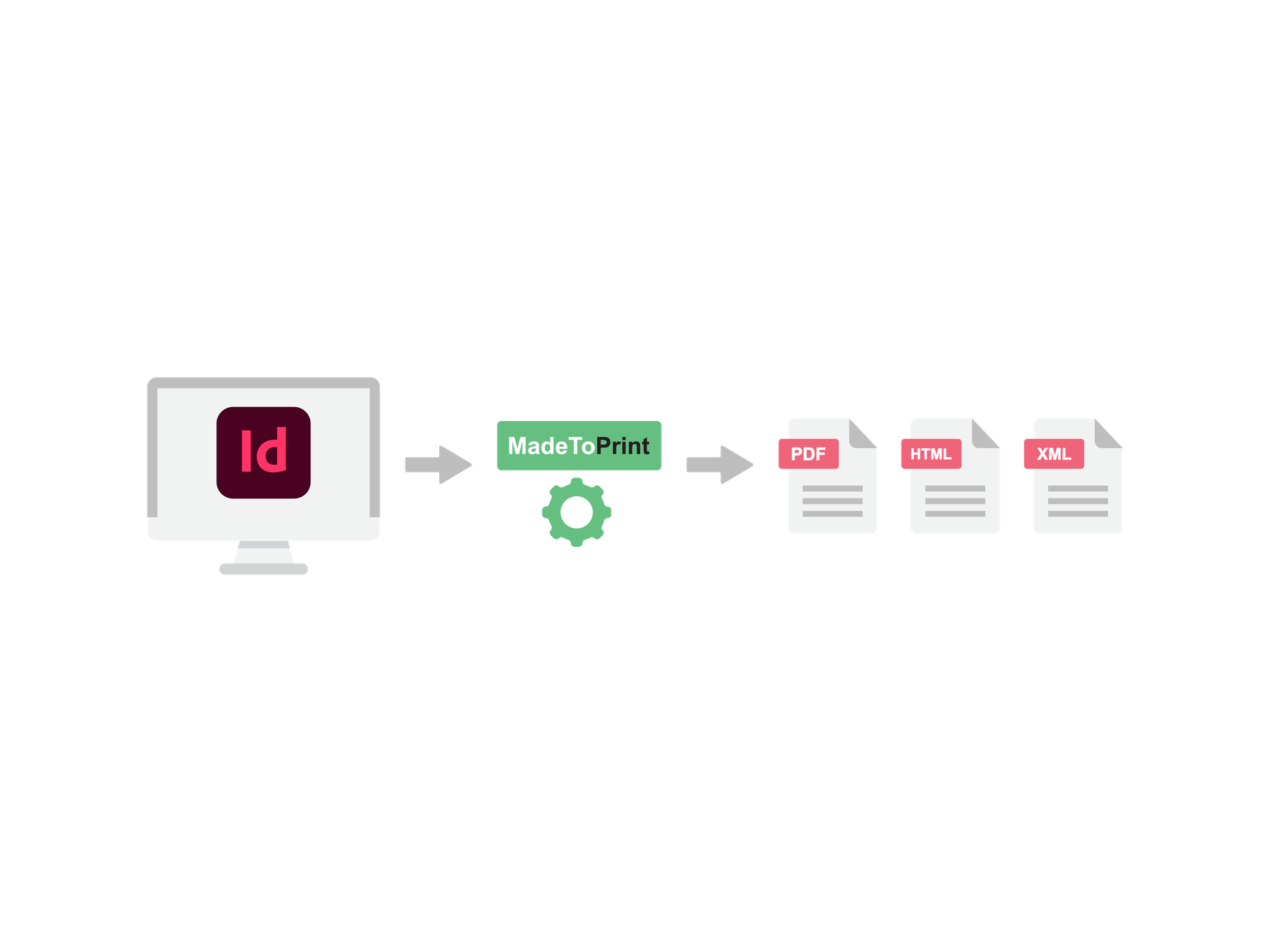
Sorties rapides et volumes élevés ? Pas de problème!
Dans sa version serveur, MadeToPrint est configurable à distance et assure fiabilité, stabilité et performance pour tous les flux de sortie dans des environnements InDesign. Les équipes insatisfaites des procédures de sorties trop complexes ou insuffisantes peuvent utiliser axaio MadeToPrint Server pour accélérer et normaliser l’impression et l’exportation.
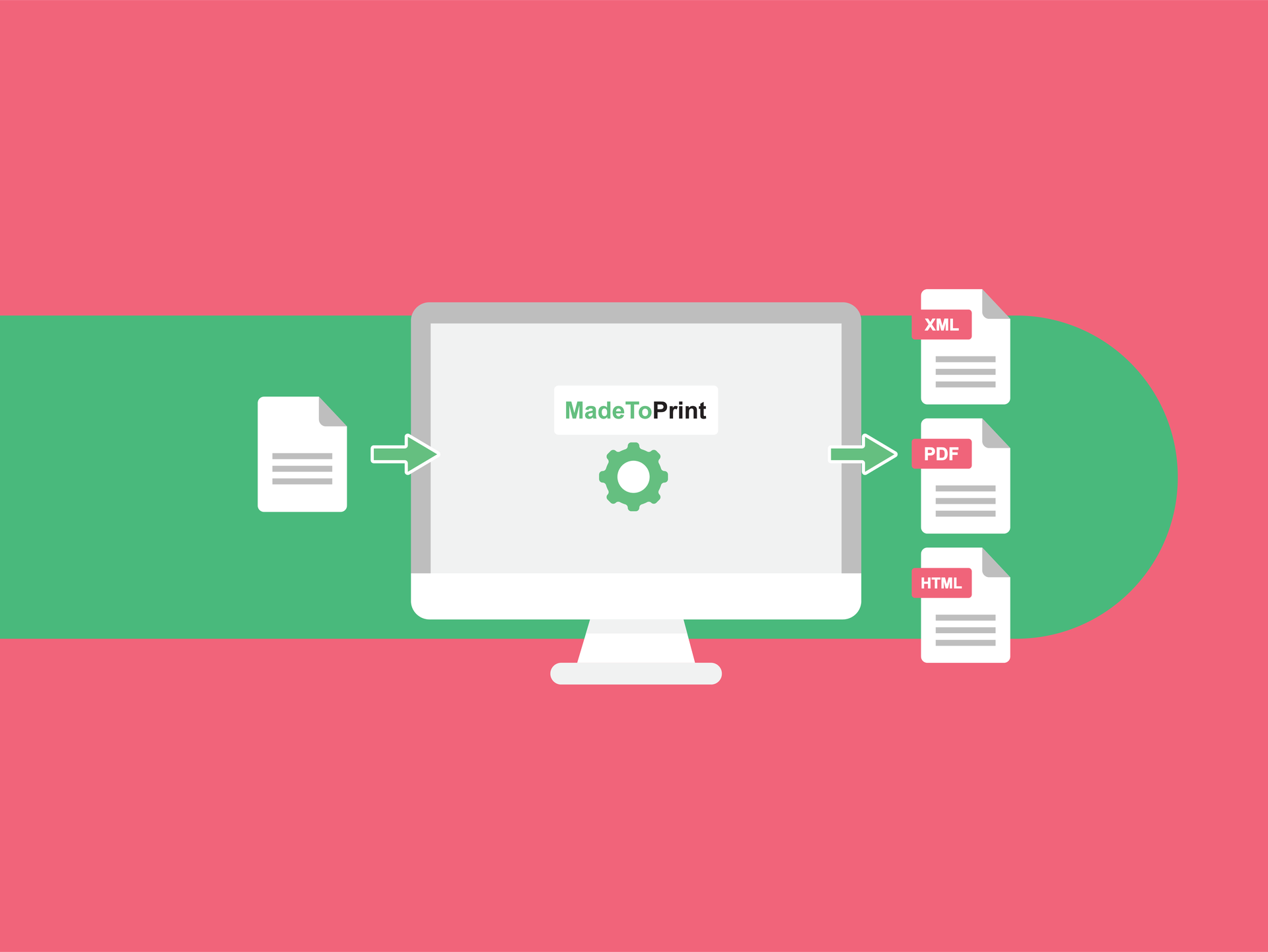
Automatisez vos processus de sortie
MadeToPrint Auto résout les problèmes en automatisant, étendant, améliorant et rationalisant les processus d’impression et de sortie. Les jobsets prédéfinis offrent une sortie identique à partir de tous les fichiers, tout en vous faisant gagner en temps et en argent. MadeToPrint s’intègre en toute transparence dans n’importe quel système éditorial.
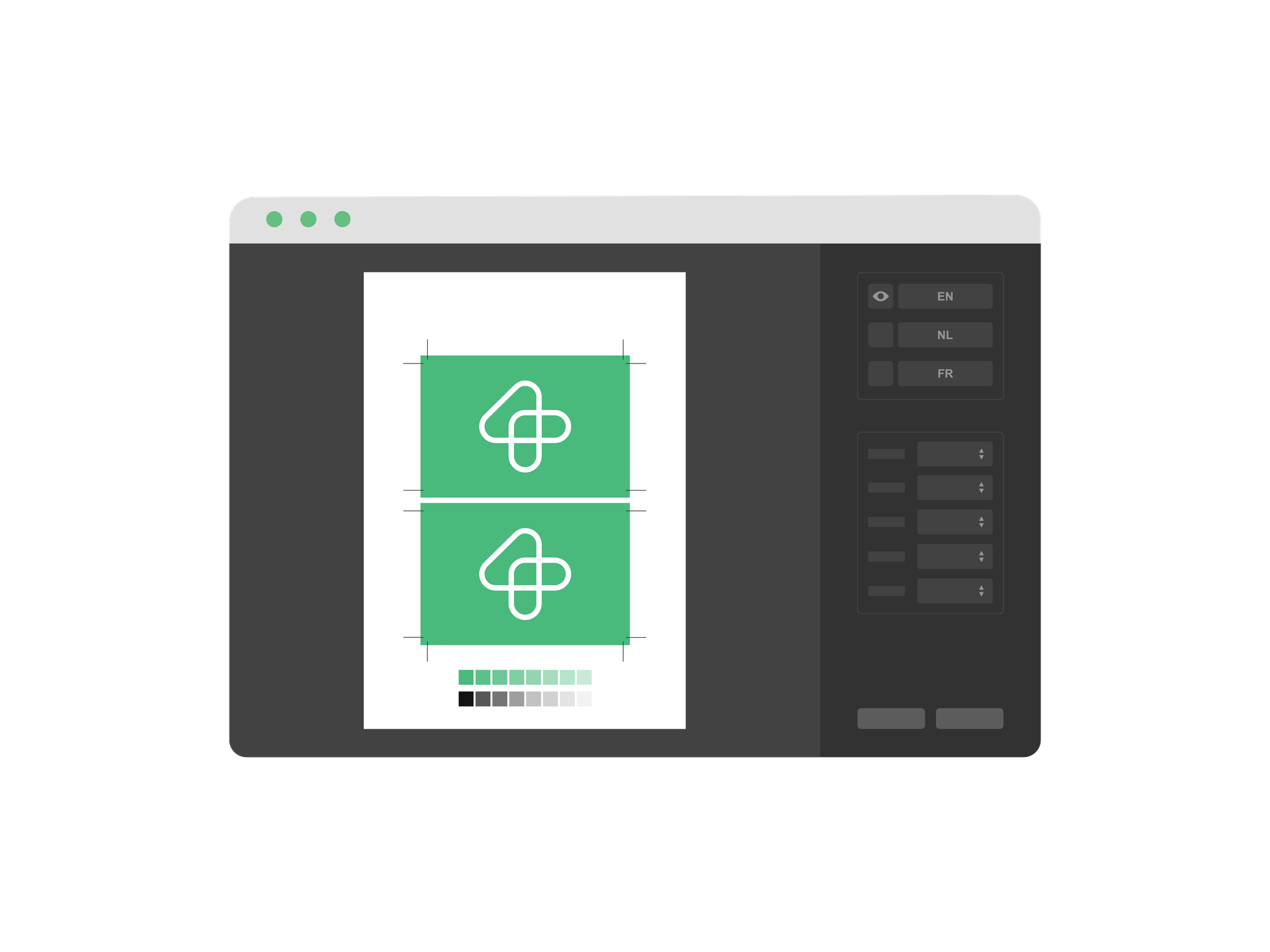
Rationalisez vos processus pour une production sans faille
axaio MadeToPrint assure une production rationalisée sans faille, comportant noms de fichiers normalisés, ajout de barres d’informations et gestion des calques de langue, pour donner au final un fichier totalement imposé prêt à imprimer. Obtenez ainsi un processus de validation rationalisé, même avec des documents en plusieurs langues et versions.
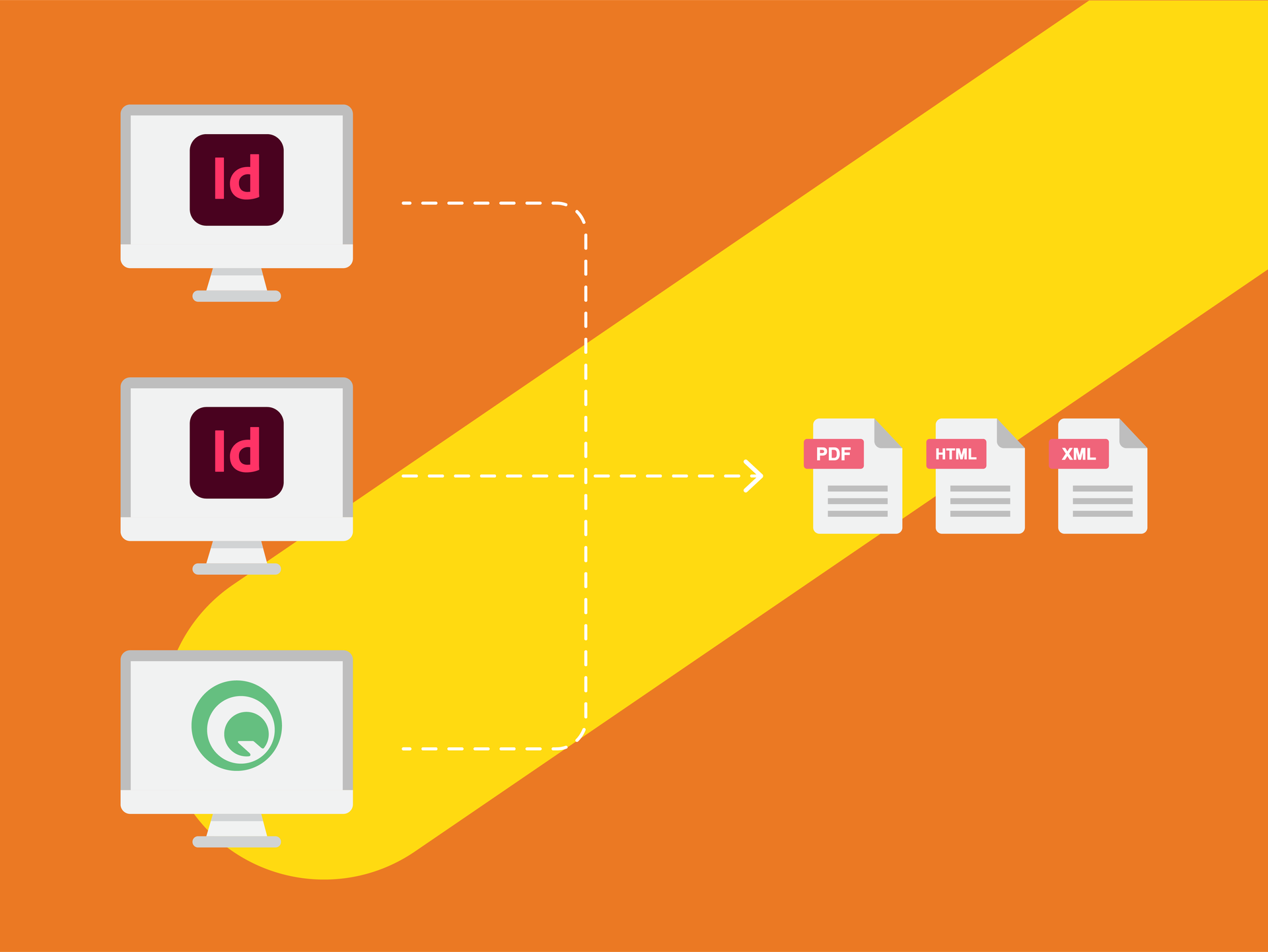
Un résultat identique, sortie après sortie
En étendant, améliorant, contrôlant et rationalisant tous les processus de sortie, MadeToPrint simplifie tous les aspects techniques de la préparation des fichiers pour impression (erreurs d’impression, problèmes de calques). Créez des jeux de paramètres de travail (jobsets), mettez-les à la disposition de tous les utilisateurs, puis obtenez systématiquement des sorties identiques depuis toutes les stations de travail.
Talk to our sales team about this product.
Parlez-nousVersion history
2.6.290
Major New Features
For all versions
- Preprocess scripts can be executed per scope: job, page or layer.
- After installation settings from an previous InDesign version can be imported.
- When copying/moving files to a server the operation is repeated in case of failure (e.g. temporary loss of server connection).
- Book export: Layers can be exported separately.
MadeToPrint Standard
- MadeToPrint-Jobs can be run via InDesign Shortcuts (First ten print jobs are listed in menu, can be ordered by rating).
MadeToPrint Standard & Auto
- Compatibility with Adobe Creative Cloud 2014.
MadeToPrint Auto & Server
- Scanning of files for multiple jobs is much faster.
Other Changes and Bugfixes
- Parameter Overrides: PDF/X-4:2010 can be chosen for Standard Compliance (is PDF/X-4:2007 for ID 5 - ID 7.0).
- Preflight report file is UTF 8.
- Overwriting output files improved.
- JPEG export handles transparency for correct output.
- TokenEngine: Token result can now contain apostrophe or quotes.
- SwitchMode: MTP_ID_Pre_StatusInfo.txt contains the right information.
- Fixed a problem with truncated file names for overwritten files on certain operating systems).
2.5.284
Features
- Hotfolder can have priority. Higher priority hotfolders are processed completely before other hotfolders are scanned.
- PNG export can now use smoothing options.
- TIFF export can now use smoothing options.
- layer handling: Print layer views by name.
Improvements
- Better handling of distiller processes.
- Better handling of PDF post process.
- pdfToolbox version is updated [pdfEngine 7.0.1 (252)] (more PDF profiles to choose from).
- K4 MetaData can now be accessed in K4 v6.
Bug fixes
- Fixed bug in external library, which caused some installation to export false PDFs.
- Order of pages is exactly as in the page range string.
- Page range from jobticket can also be used for jobsets.
- Infobar preview is shown in InDesign CC on Mac again.
- Scaling and moving of page content when using Infobar works again.
General
- Enhanced stability and speed.
2.4 280
Features
- Preflight: Can search for missing links in specific folder.
- PDF output files can be opened by default PDF application (in standard mode).
- pdfToolbox Preflight has detailed report settings in PDFPostProcess.
- Page Range: in manual processing Ask token can be used.
- Preflight report contains both axaio preflight and InDesign Preflight report.
- In book mode pre- and postprocess scripts work on the book.
Bug fixes
- Indexing output file doesn't change page numbering.
- If outputting separate layers, InDesign preflight is executed multiple times to ensure all layers are checked.
- Books are also preflighted when started manually, preflight works on the contained documents.
- Status information in jobticket was incomplete, out file is now O.K.
- When links are missing the repair function is called multiple times because InDesign may return wrong values.
- Some minor changes (logs, processing).
- Mac: better check if all files in a folder are ready (copying is done).
2.7.303
Improvements
- Page range strings support more options, just like in InDesign.
- Post process scripts are also executed when there was a preflight error.
- New MadeToPrint Server UI for import configurations.
- Enable “Open PDF after export” even when Post Process is not chosen.
- Server UI shows remaining time of time limited licenses.
Bug fixes
- Some options have not been saved to settings (e.g. when using the default value for a list).