MadeToPrint Server
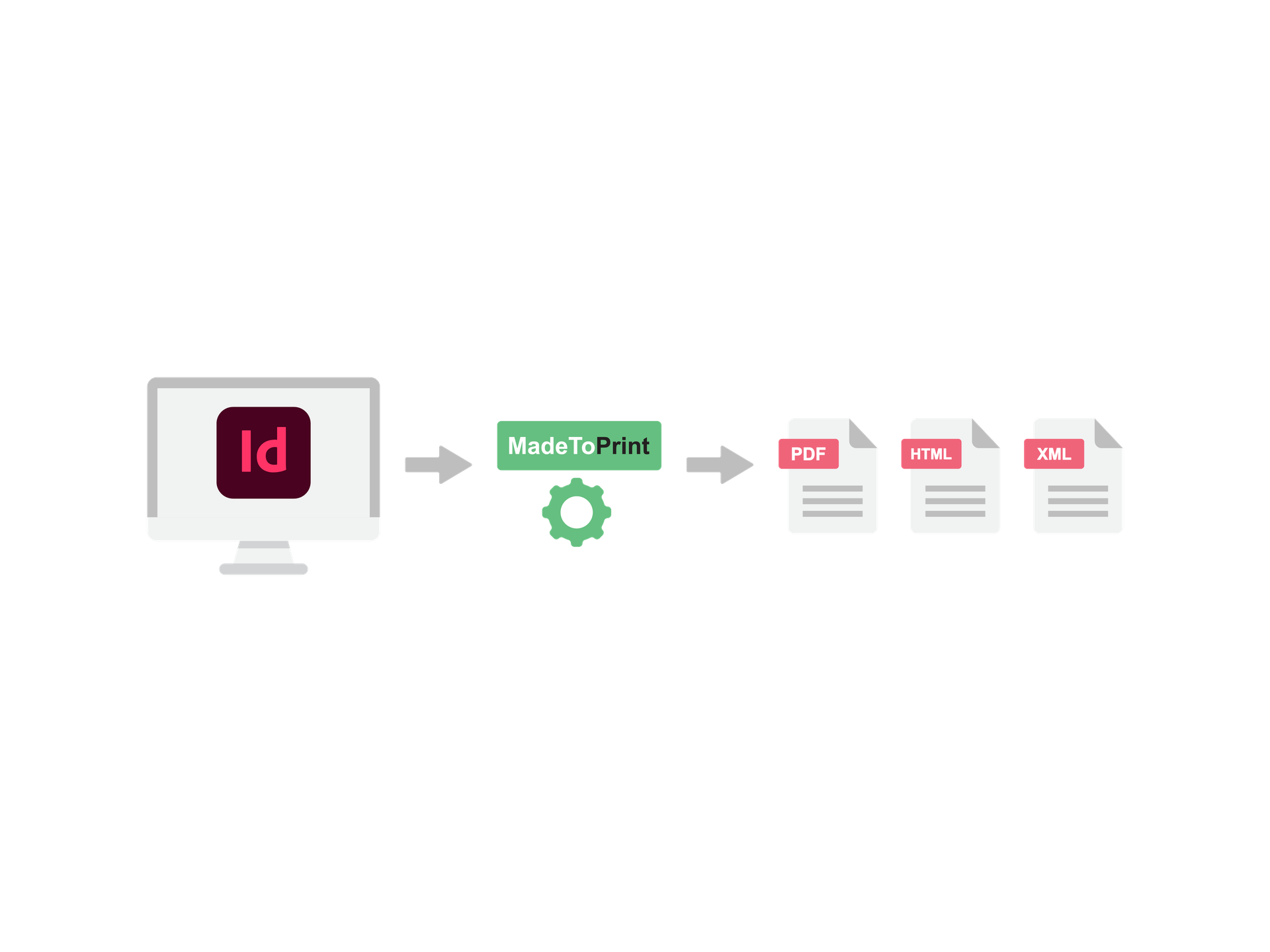
Een snelle output van hoge volumes? Je wordt op je wenken bediend!
Je kan de serverversie van MadeToPrint op afstand configureren, met een gegarandeerde betrouwbaarheid, stabiliteit en prestatie van alle outputworkflows in InDesign-omgevingen. Teams die met ontoereikende of weinig gebruiksvriendelijke outputprocedures worstelen, kunnen axaio MadeToPrint Server gebruiken om het printen en exporteren te versnellen en te standaardiseren.
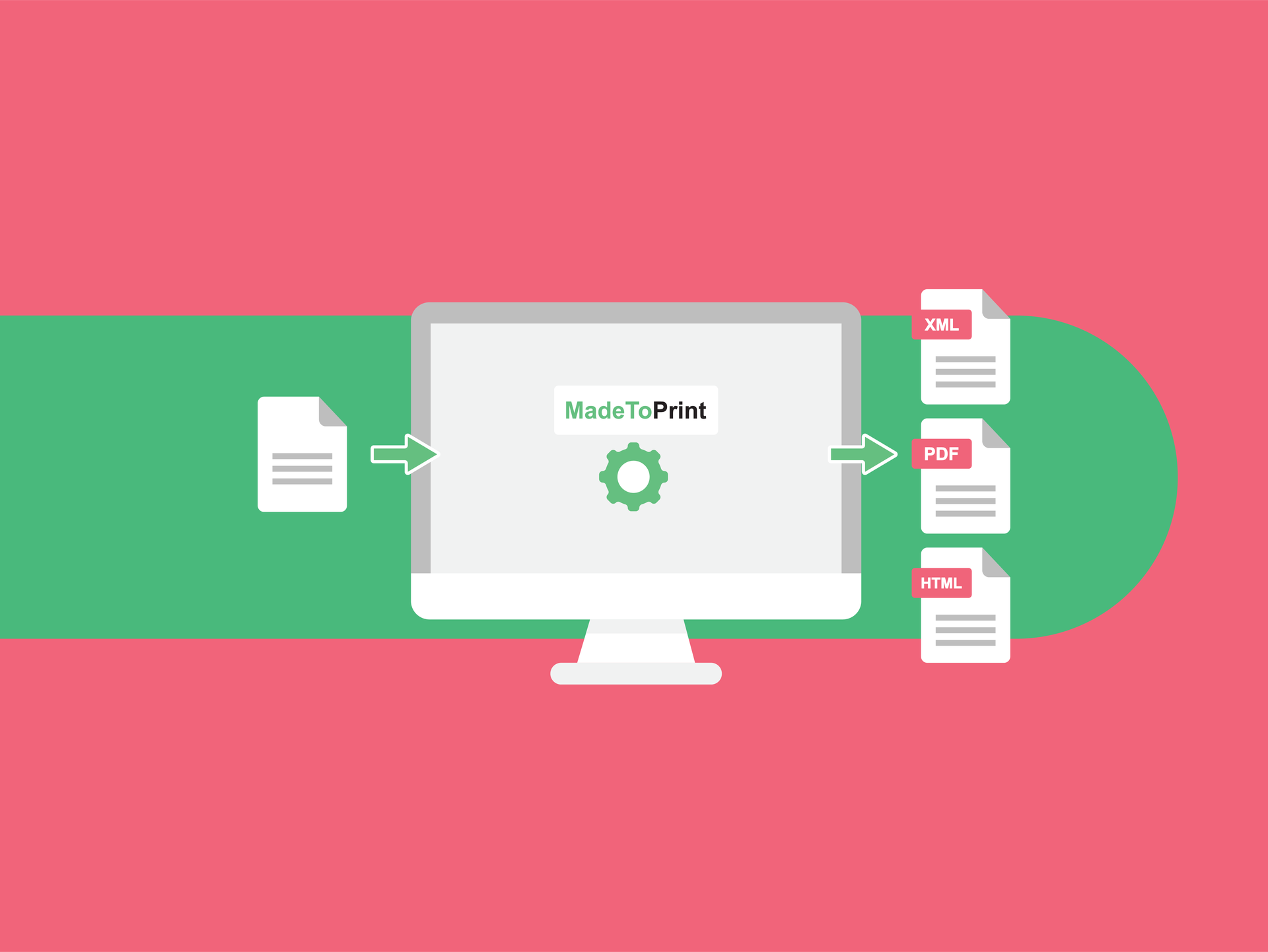
Automatiseer je outputprocessen
MadeToPrint Server lost problemen op door de print- en outputprocessen te automatiseren, uit te breiden, te verbeteren en te stroomlijnen. Vooraf gedefinieerde JobSets verzekeren een identieke output voor elk bestand, voor meer efficiëntie en een grote tijdwinst en kostenbesparing. MadeToPrint werkt naadloos samen met elk redactiesysteem.
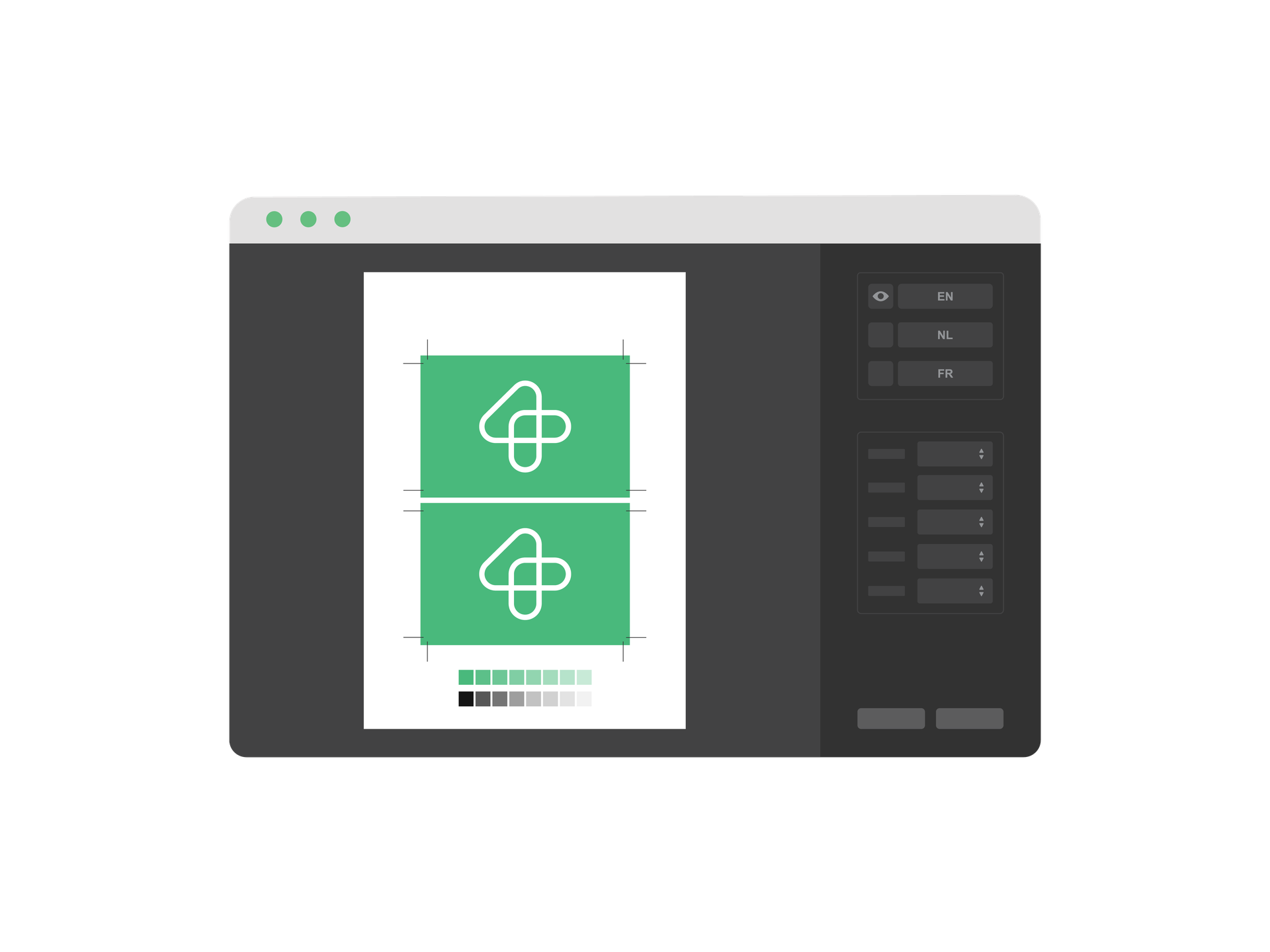
Een gestroomlijnde, foutloze documentproductie
axaio MadeToPrint garandeert een gestroomlijnde, foutloze productie met gestandaardiseerde bestandsnamen, infobalken, taallagen en uiteindelijk een volledig imposed, printklaar bestand. Zo krijg je een gestroomlijnd goedkeuringsproces, zelfs met documenten in meerdere talen en versies.
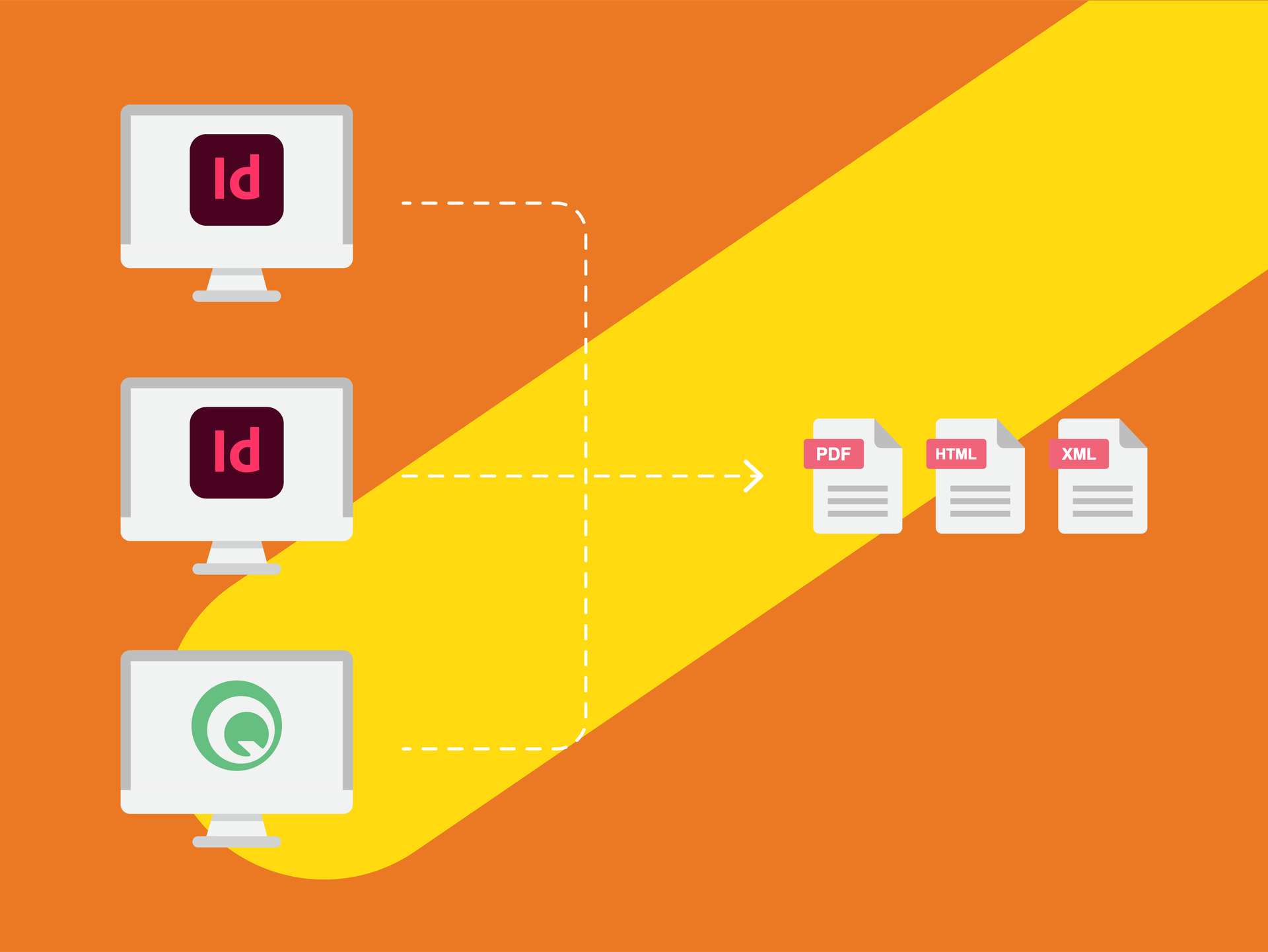
Altijd een identieke output
MadeToPrint helpt met alle technische aspecten van het printklaar maken van bestanden (misdrukken, problemen met lagen) door alle outputprocessen uit te breiden, te verbeteren, te controleren en te stroomlijnen. Creëer JobSets voor de output, maak ze voor alle gebruikers beschikbaar en krijg altijd een identieke output op elk werkstation.
Talk to our sales team about this product.
Praat met onsVersion history
2.6.290
Major New Features
For all versions
- Preprocess scripts can be executed per scope: job, page or layer.
- After installation settings from an previous InDesign version can be imported.
- When copying/moving files to a server the operation is repeated in case of failure (e.g. temporary loss of server connection).
- Book export: Layers can be exported separately.
MadeToPrint Standard
- MadeToPrint-Jobs can be run via InDesign Shortcuts (First ten print jobs are listed in menu, can be ordered by rating).
MadeToPrint Standard & Auto
- Compatibility with Adobe Creative Cloud 2014.
MadeToPrint Auto & Server
- Scanning of files for multiple jobs is much faster.
Other Changes and Bugfixes
- Parameter Overrides: PDF/X-4:2010 can be chosen for Standard Compliance (is PDF/X-4:2007 for ID 5 - ID 7.0).
- Preflight report file is UTF 8.
- Overwriting output files improved.
- JPEG export handles transparency for correct output.
- TokenEngine: Token result can now contain apostrophe or quotes.
- SwitchMode: MTP_ID_Pre_StatusInfo.txt contains the right information.
- Fixed a problem with truncated file names for overwritten files on certain operating systems).
2.5.284
Features
- Hotfolder can have priority. Higher priority hotfolders are processed completely before other hotfolders are scanned.
- PNG export can now use smoothing options.
- TIFF export can now use smoothing options.
- layer handling: Print layer views by name.
Improvements
- Better handling of distiller processes.
- Better handling of PDF post process.
- pdfToolbox version is updated [pdfEngine 7.0.1 (252)] (more PDF profiles to choose from).
- K4 MetaData can now be accessed in K4 v6.
Bug fixes
- Fixed bug in external library, which caused some installation to export false PDFs.
- Order of pages is exactly as in the page range string.
- Page range from jobticket can also be used for jobsets.
- Infobar preview is shown in InDesign CC on Mac again.
- Scaling and moving of page content when using Infobar works again.
General
- Enhanced stability and speed.
2.4 280
Features
- Preflight: Can search for missing links in specific folder.
- PDF output files can be opened by default PDF application (in standard mode).
- pdfToolbox Preflight has detailed report settings in PDFPostProcess.
- Page Range: in manual processing Ask token can be used.
- Preflight report contains both axaio preflight and InDesign Preflight report.
- In book mode pre- and postprocess scripts work on the book.
Bug fixes
- Indexing output file doesn't change page numbering.
- If outputting separate layers, InDesign preflight is executed multiple times to ensure all layers are checked.
- Books are also preflighted when started manually, preflight works on the contained documents.
- Status information in jobticket was incomplete, out file is now O.K.
- When links are missing the repair function is called multiple times because InDesign may return wrong values.
- Some minor changes (logs, processing).
- Mac: better check if all files in a folder are ready (copying is done).
2.7.303
Improvements
- Page range strings support more options, just like in InDesign.
- Post process scripts are also executed when there was a preflight error.
- New MadeToPrint Server UI for import configurations.
- Enable “Open PDF after export” even when Post Process is not chosen.
- Server UI shows remaining time of time limited licenses.
Bug fixes
- Some options have not been saved to settings (e.g. when using the default value for a list).